Rotatrix’s default twist-to-scroll behavior (available in Windows and Linux) uses the standard high-resolution mouse-wheel protocol. This provides smooth scrolling in compatible applications, but some applications don’t handle high-resolution wheel values correctly and may scroll poorly or become difficult to use.
You can disable high-resolution scrolling globally (Config → Global → Hi-res scrolling), or only for affected applications.
To disable it for a particular application:
- Open Config → Profiles.
- Look in Additions for the built-in
no_hires_scroll. - Customize it with an additional trigger condition for app you’d like to exclude.
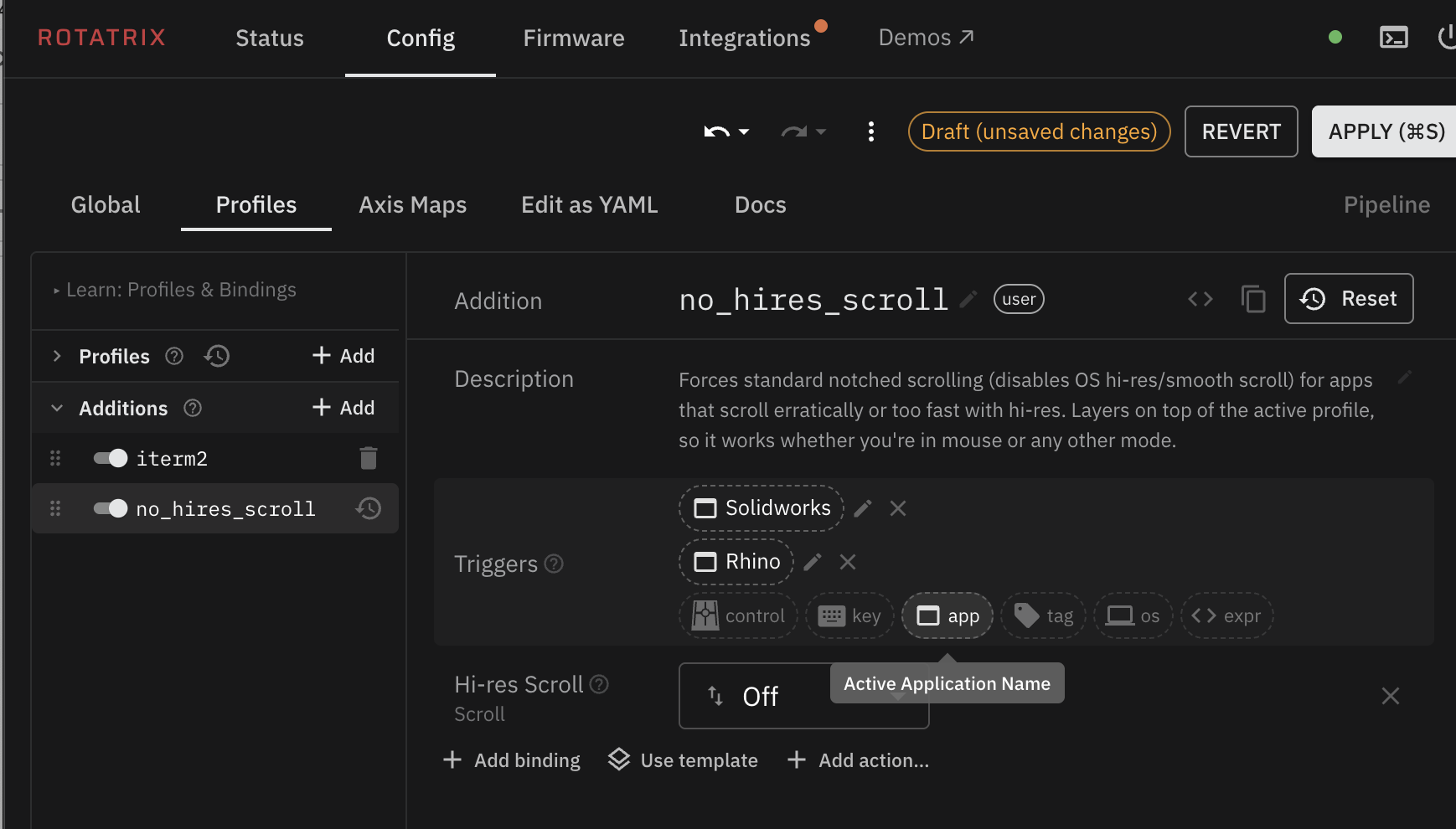
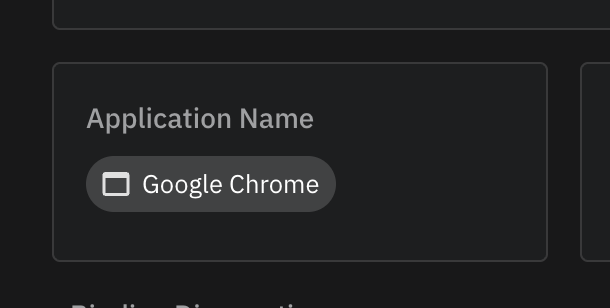
To determine the app name to use, look on the Status page for the Application Name when you focus the app.
Other applications will continue using smooth high-resolution scrolling.