I wanted to get SketchUp and the integration catalog out for testing while I work on a few more features for 1.7 stable. I’ll keep this post updated through the previews and use this thread for the stable release too.
You can try it by checking for updates (make sure Beta is enabled in Rotatrix’s Config > Software Updates settings), or downloading from rotatrix.com/instructions.
What’s new in 1.7.0-beta.1
SketchUp support is here. Many of you have asked for this. You can now use Rotatrix to navigate models in SketchUp 2023 and later on Windows and macOS. Open Integrations and select SketchUp to get started.
With the new integration catalog, you can get new integrations, updates, and fixes as soon as they’re ready, without waiting for the next Rotatrix app release.
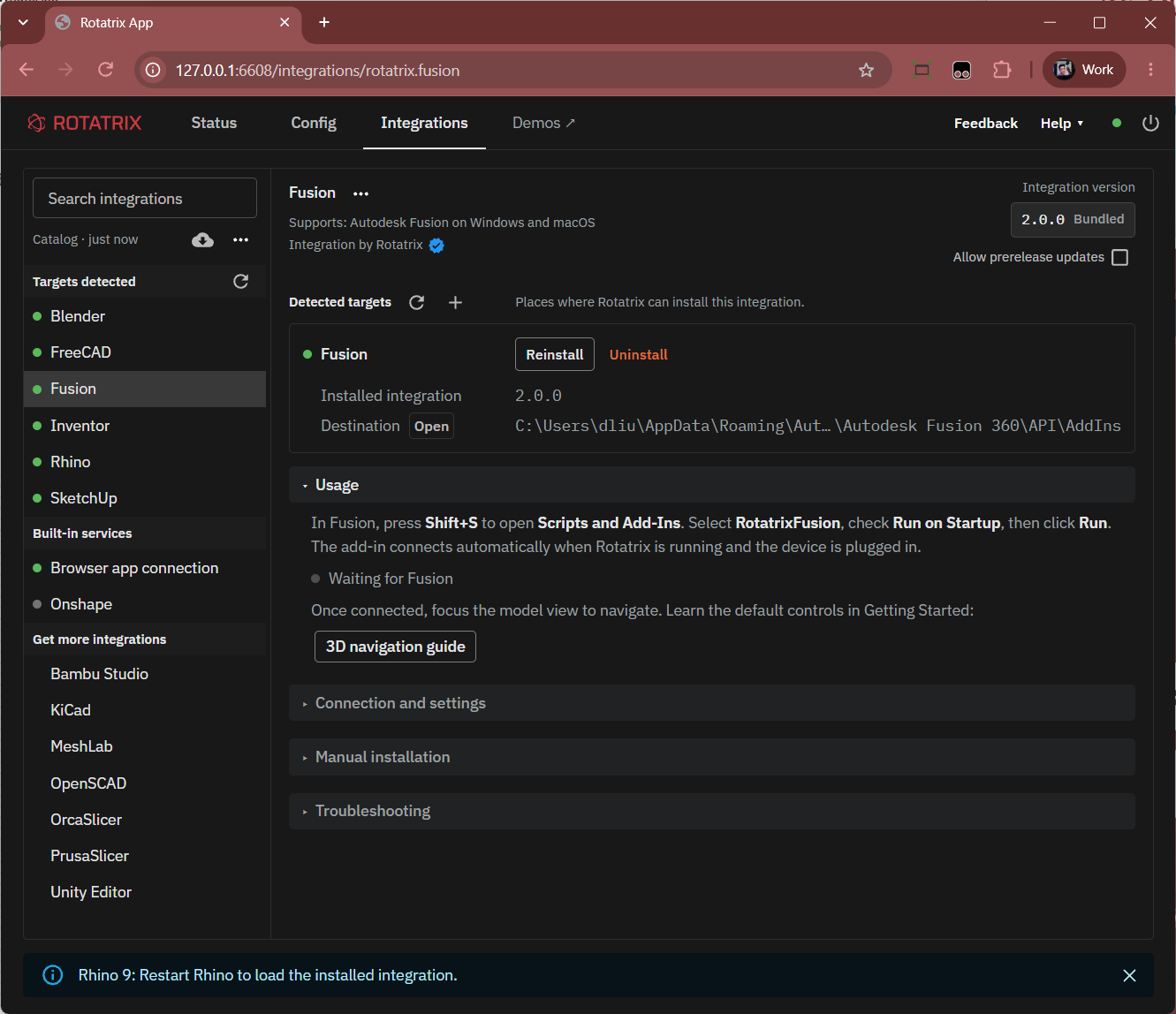
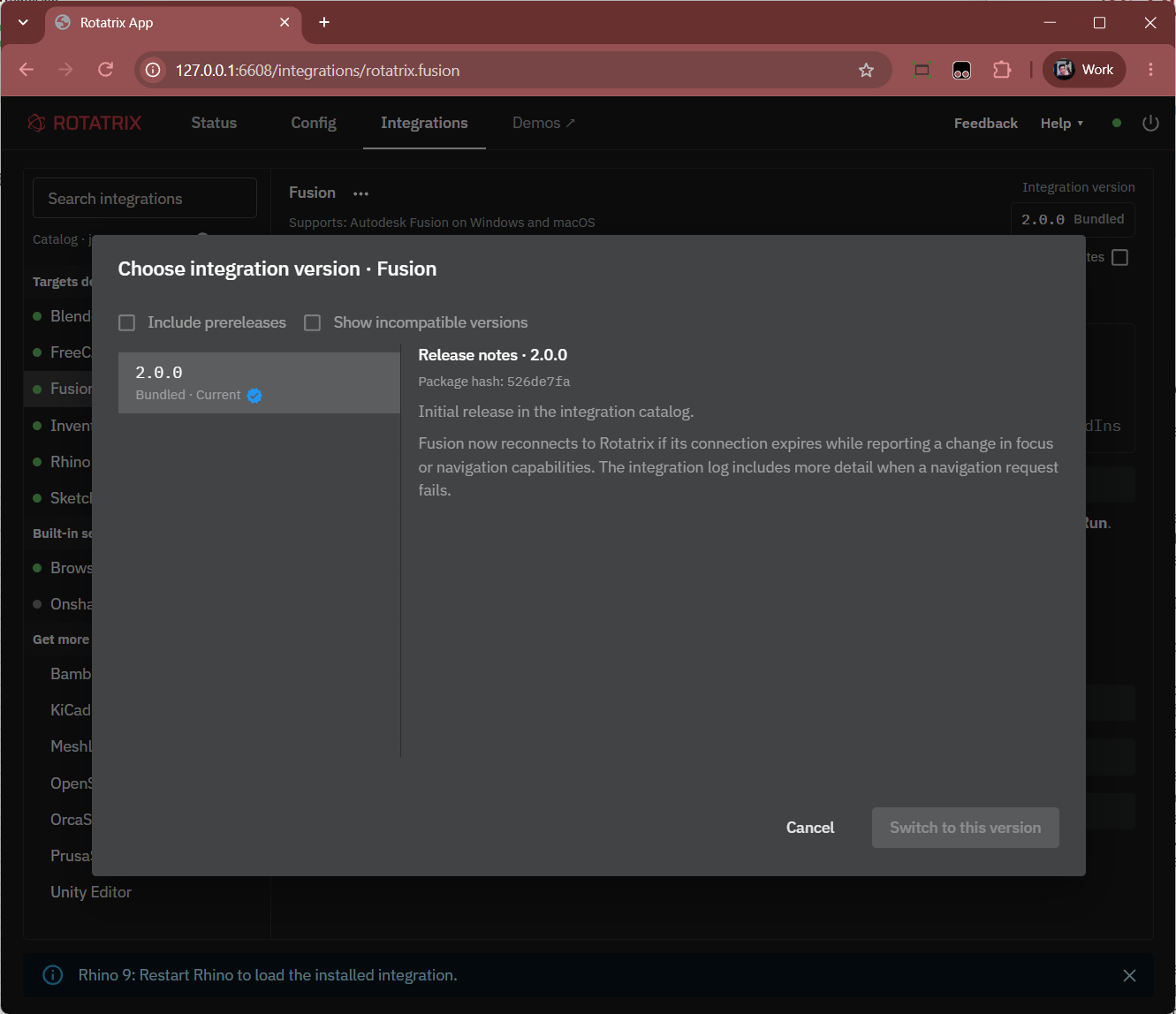
From Integrations, you can browse what’s available, see what changed, and choose which version to install. Packaged integrations use the same easy-install interface as before. For integrations distributed elsewhere, the catalog links to their setup instructions. Soon you’ll be able to find and install community-contributed integrations here too.
The Rotatrix installer still bundles the latest integrations available at release, so you can use those offline too.
Inventor fixes. This preview fixes a crash when navigating while placing a sketch dimension. It also fixes a problem that could prevent you from selecting a sketch plane during rotation.
If you try Rotatrix in SketchUp, I’d love to hear how navigation feels. Let me know which SketchUp version and OS you’re using.